Build a Safer Computer-Use Loop Behind a Model Gateway
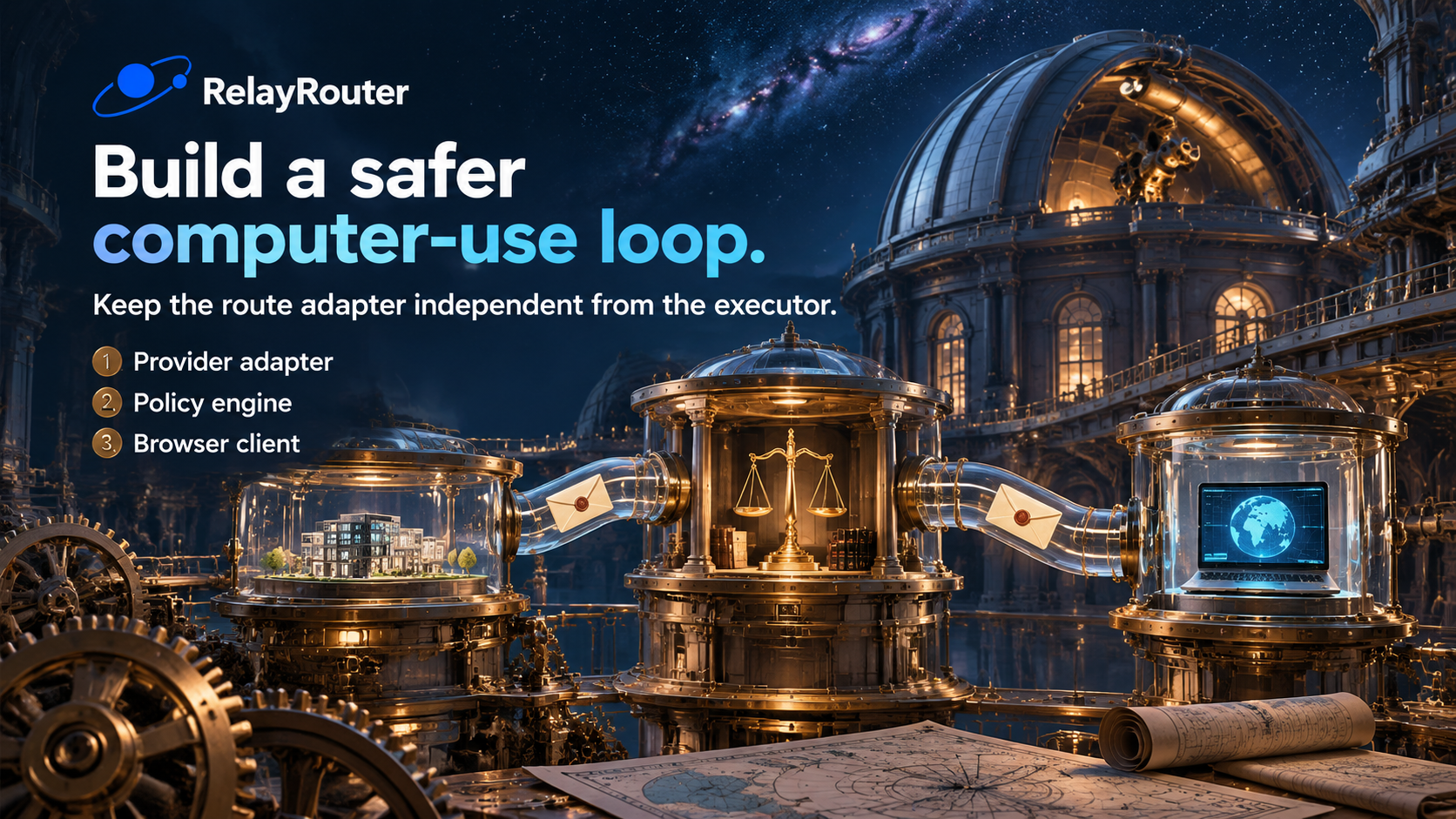
Computer-use models turn screenshots and instructions into proposed actions. The engineering work begins after that proposal arrives. Google announced general availability for its Computer Use tool on October 30. OpenAI introduced GPT-6.1 Terra with visual reasoning and computer use on October 26. Mistral released Mistral Large 4 weights on October 29. RelayRouter can simplify access to supported model routes; this article focuses on the application boundary behind the gateway.
Use a provider-neutral action envelope
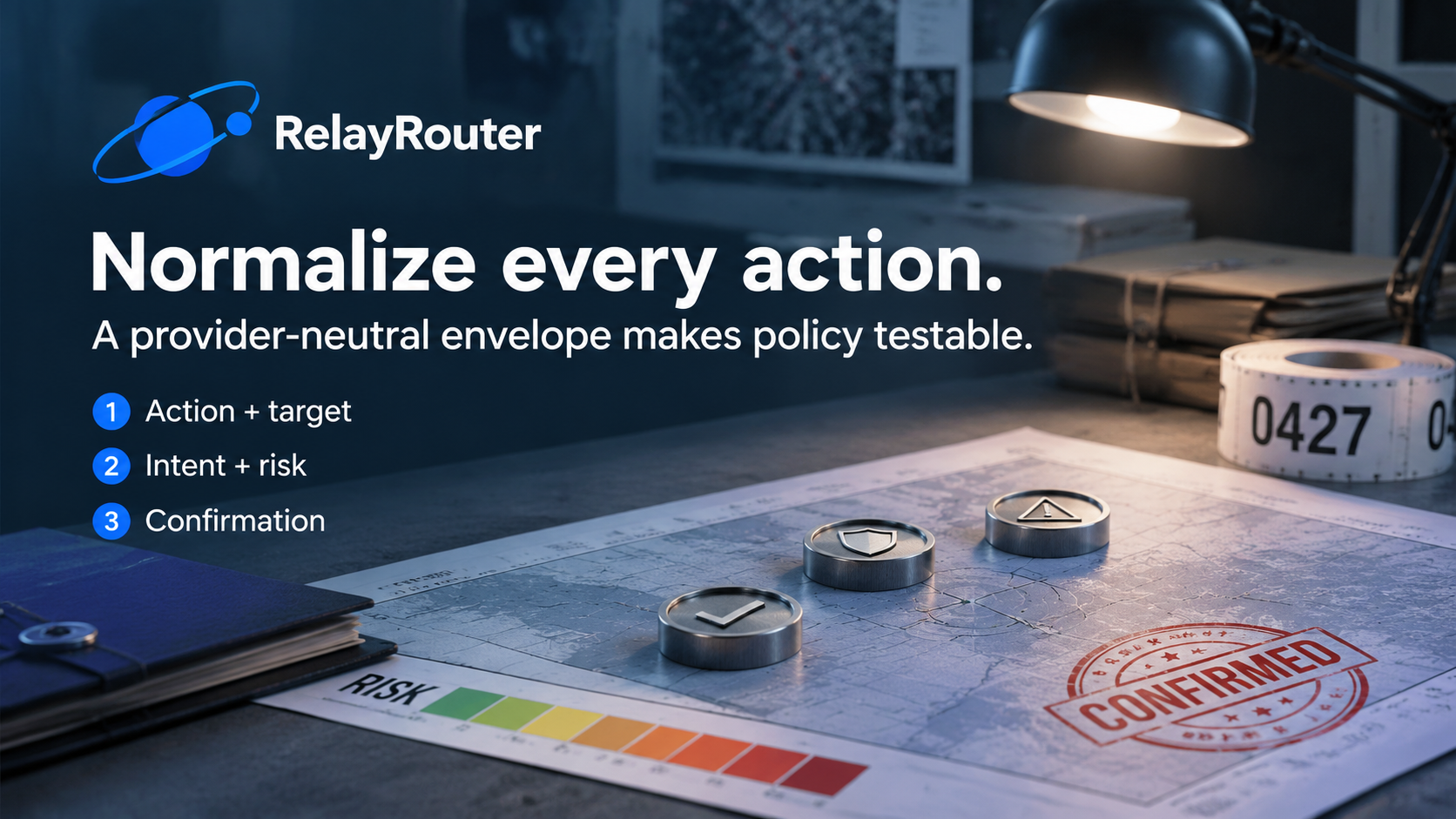
Do not send raw model text to an automation library. Parse it into an internal schema your code owns: task_id, action, typed arguments, intent, risk, and requires_confirmation. Keep the action list small. Reject unknown actions and extra fields. Validate coordinates against the current viewport, limit text length, and require an intent that can appear in the audit trace.
The route adapter translates provider output into the internal schema. The policy engine and browser client need not understand every upstream response format.
Keep execution state outside the conversation
Store the task, route, observation revision, current page, proposed action, policy result, execution result, and screenshot reference. The conversation is input to the decision, not the source of truth for what happened. Use action IDs so retries can be reconciled. If the browser reports success but the model request times out, inspect the page before generating another click.
Add policy before autonomy
Start with a domain allowlist and staging environment. Block password managers, billing screens, and account settings. Set a maximum step count and time limit. Reading a staging page may run automatically. Editing a draft may run when the field is allowed. Submitting, publishing, purchasing, deleting, sending messages, and changing permissions should require explicit confirmation.
Use fallback at the adapter boundary
A fallback route must support the current observation type, action schema, context, and tool mode. A text-only model is not a fallback for a screenshot-driven task. After execution fails, observe and reconcile browser state before switching routes. RelayRouter keeps the supported request path familiar as model identifiers change; a capability registry keeps that convenience honest.
Test without a real account
Create a local page that resembles a product editor but uses synthetic data. Include a product list, editable description, and disabled Publish button. Ask the agent to open RR-104 and draft a description from approved facts. Save each proposal, policy result, execution result, and screenshot. Pass only when the correct record opens, only the allowed field changes, and the loop stops before publication.
Compare routes in one scripted environment
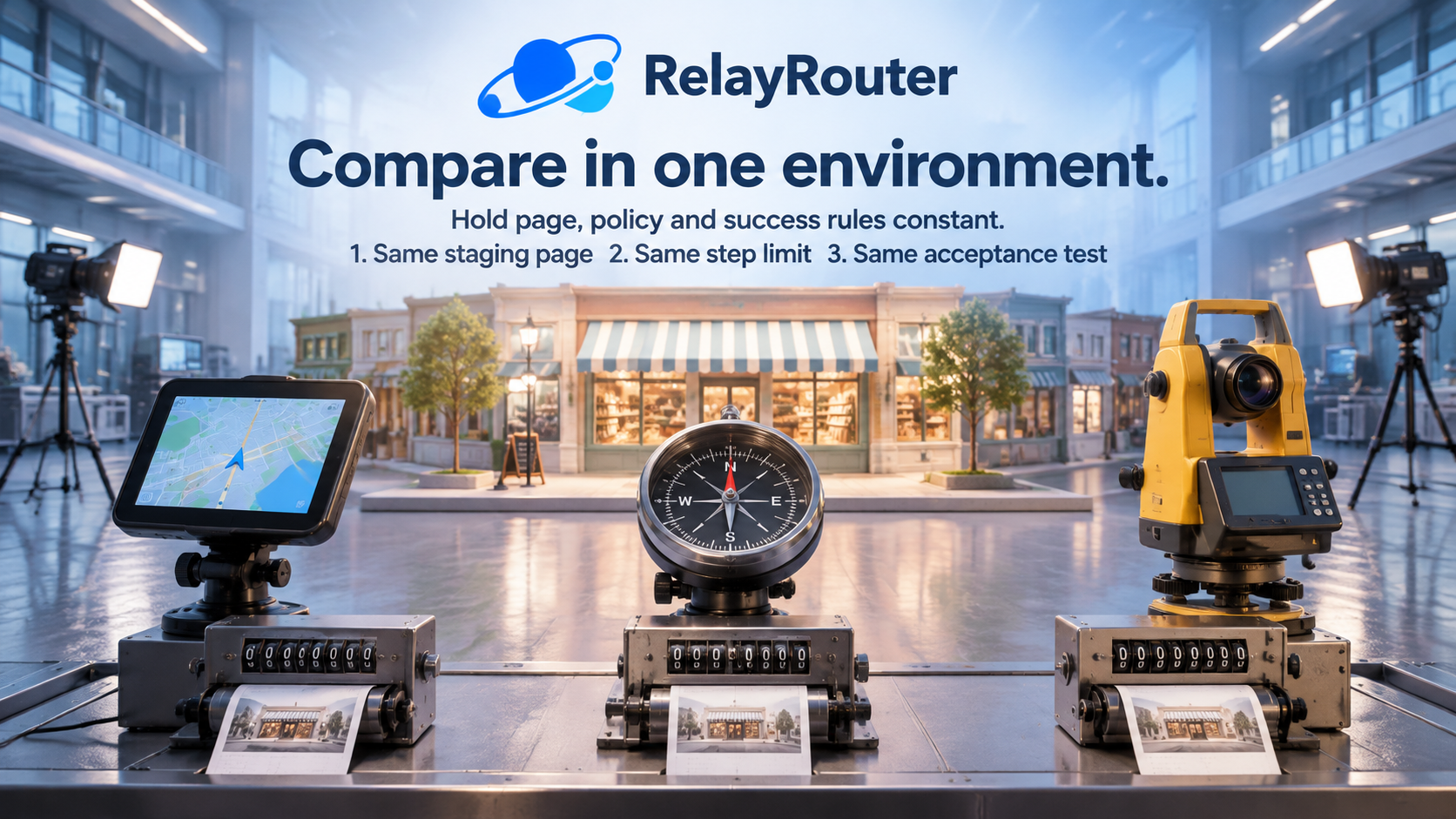
Keep viewport, page state, task wording, policy, and step limit fixed. Compare task completion, extra actions, invalid envelopes, confirmation accuracy, time, and cost. This evaluates the whole agent system rather than an attractive model demo.
Start with RelayRouter and confirm the routes available to your account: https://relayrouter.app/register?aff=xc9N
Official sources: https://ai.google.dev/gemini-api/docs/changelog ; https://openai.com/index/introducing-gpt-6-1-terra/ ; https://mistral.ai/news/mistral-large-4-oss/
About the author
- Practical engineering notes on AI API integration, OpenAI-compatible migrations, multi-model workflows, AI agents, and production debugging.
Comments
Join the discussionNo comments yet. Be the first to comment.