Codex through RelayRouter: A Windows Setup and a Debugging Checklist
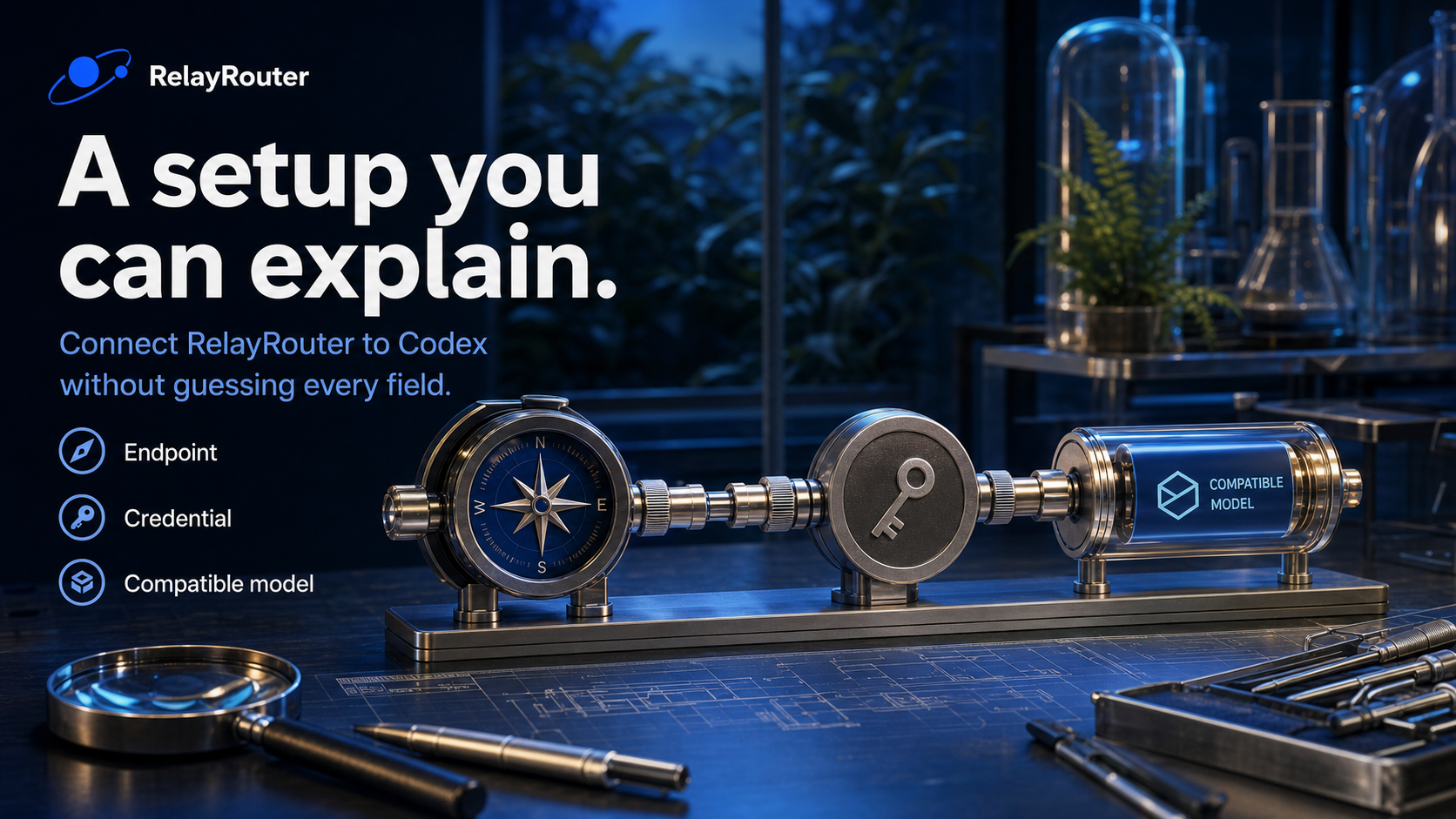
The most useful recent Codex change for a setup tutorial is a diagnostic one. The October 29 release notes for CLI 0.166.0 include codex doctor --network-only. On November 4, that is a good reason to replace random configuration edits with a small, testable setup. Release notes.
This guide uses RelayRouter as a custom model provider and checks the setup with a local CSV task. It does not assume that a chat-capable route is automatically compatible with Codex.
Install, then note your version
Install a current Node.js LTS release if npm is not available. In PowerShell:
npm install -g @openai/codex
codex --version
If the terminal cannot find codex after installation, reopen it and check PATH. That is different from an API authentication problem.
Put the provider in the user configuration
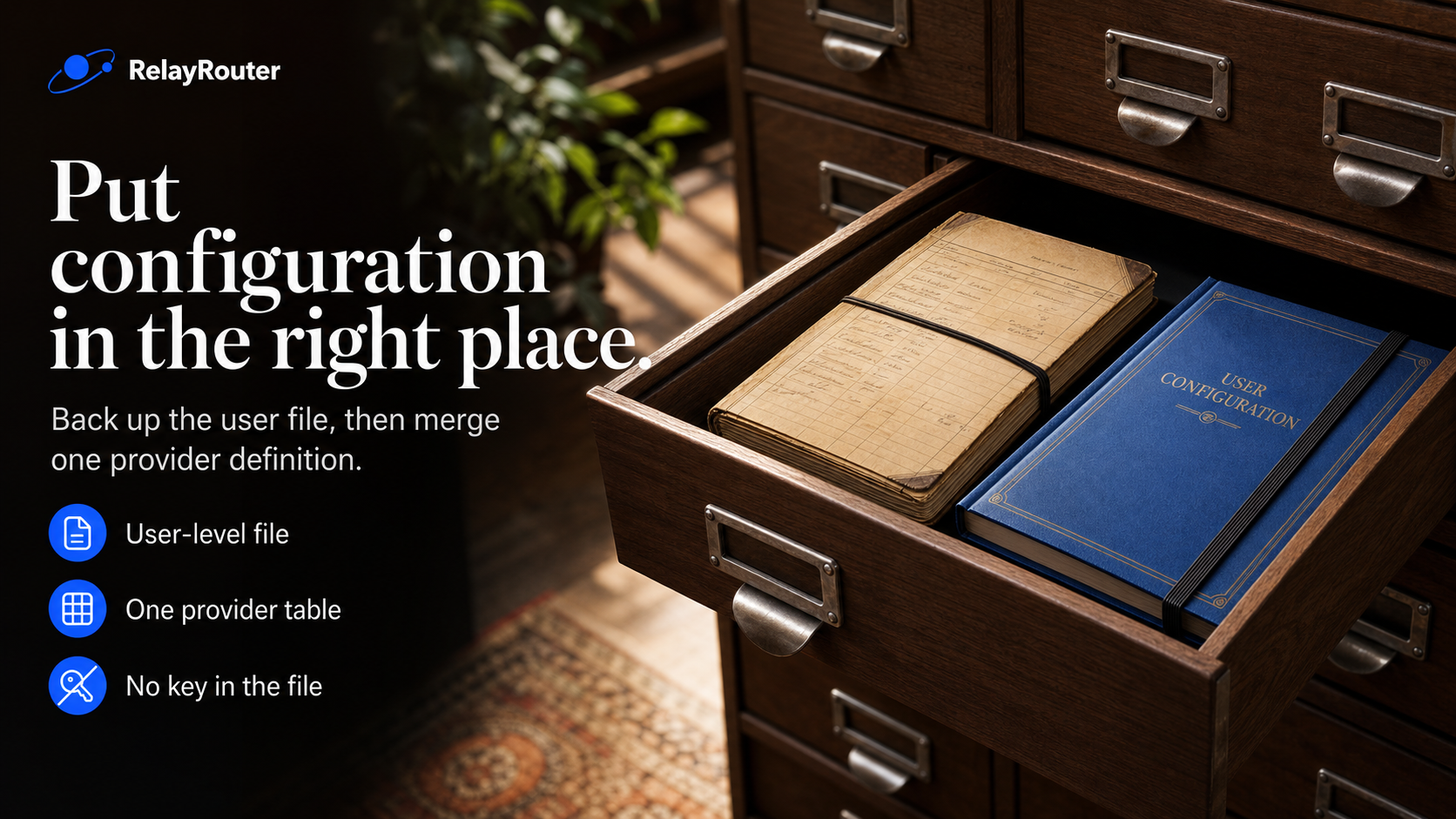
Run the following to create the folder if needed, back up the existing file and open it:
New-Item -ItemType Directory -Force "$HOME\.codex" | Out-Null
if (Test-Path "$HOME\.codex\config.toml") {
  Copy-Item "$HOME\.codex\config.toml" "$HOME\.codex\config.toml.backup-$(Get-Date -Format yyyyMMdd-HHmmss)"
}
notepad "$HOME\.codex\config.toml"
Use this provider template. Replace the model placeholder with a Codex-compatible model ID permitted by your key. The Base URL below comes from the user's supplied tutorial screenshot; confirm it against the current console. The signup link is not the API Base URL.
# Save at USER LEVEL as ~/.codex/config.toml after backing up existing settings.
# Replace model; confirm Base URL against your current account console.
# This Base URL comes from the supplied tutorial screenshot.
model_provider = "relayrouter"
model = "REPLACE_WITH_CODEX_COMPATIBLE_MODEL_ID"

[model_providers.relayrouter]
name = "RelayRouter"
base_url = "https://api.relayrouter.ai/v1"
wire_api = "responses"
env_key = "RELAYROUTER_API_KEY"
requires_openai_auth = false
Do not put provider credentials in the project's checked-in config. In the current official documentation, provider settings belong in user-level configuration. If you use profiles, note that Codex 0.134.0 and later use separate profile-name.config.toml files; older [profiles.name] examples are not the current format. This guide uses the default config to keep the first connection simple. Configuration.
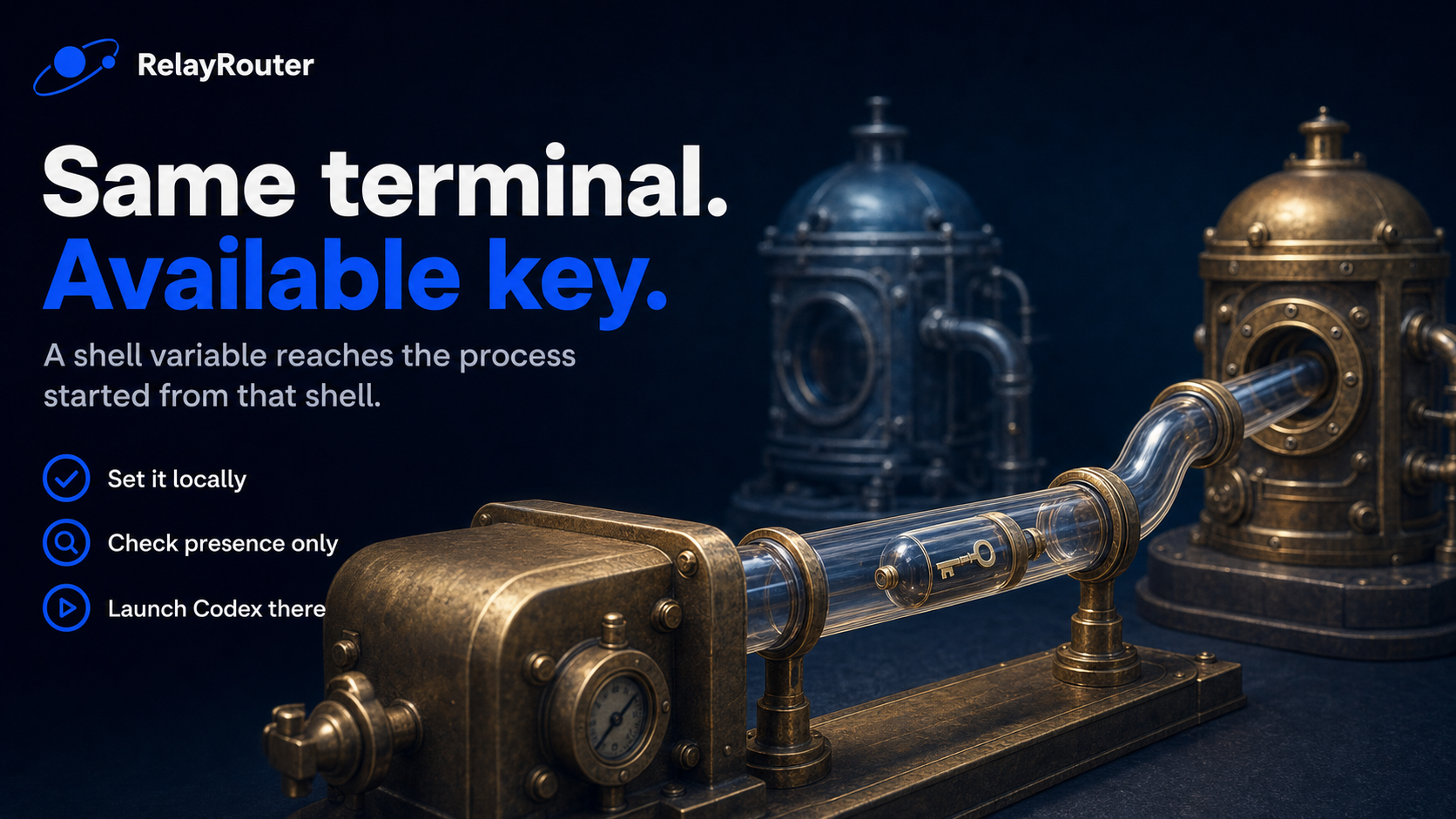
Use the environment-key authentication path
Set the key locally, then launch Codex from the same shell:
$secret = Read-Host "RelayRouter API key" -AsSecureString
$ptr = [Runtime.InteropServices.Marshal]::SecureStringToBSTR($secret)
try {
  $env:RELAYROUTER_API_KEY = [Runtime.InteropServices.Marshal]::PtrToStringBSTR($ptr)
} finally {
  [Runtime.InteropServices.Marshal]::ZeroFreeBSTR($ptr)
}
# Confirm presence without printing the key:
[bool]$env:RELAYROUTER_API_KEY
The final line prints only True or False. It does not reveal the secret. This template deliberately uses env_key and requires_openai_auth=false; do not combine it with a copied auth.json recipe from a different guide.
Give it a reproducible task
Open the supplied order-demo folder. Start codex and paste TASK.txt. The task asks for a standard-library Python script and tests. The fixture is deliberately small: only rows marked paid count, and the expected output is three orders totaling 320.00.
The success criteria are file changes and passing tests, not a friendly greeting. Inspect summarize_orders.py, run it, and open summary.json. Then run python -m unittest -v. Use the Python launcher available on your machine.
Debug in this order
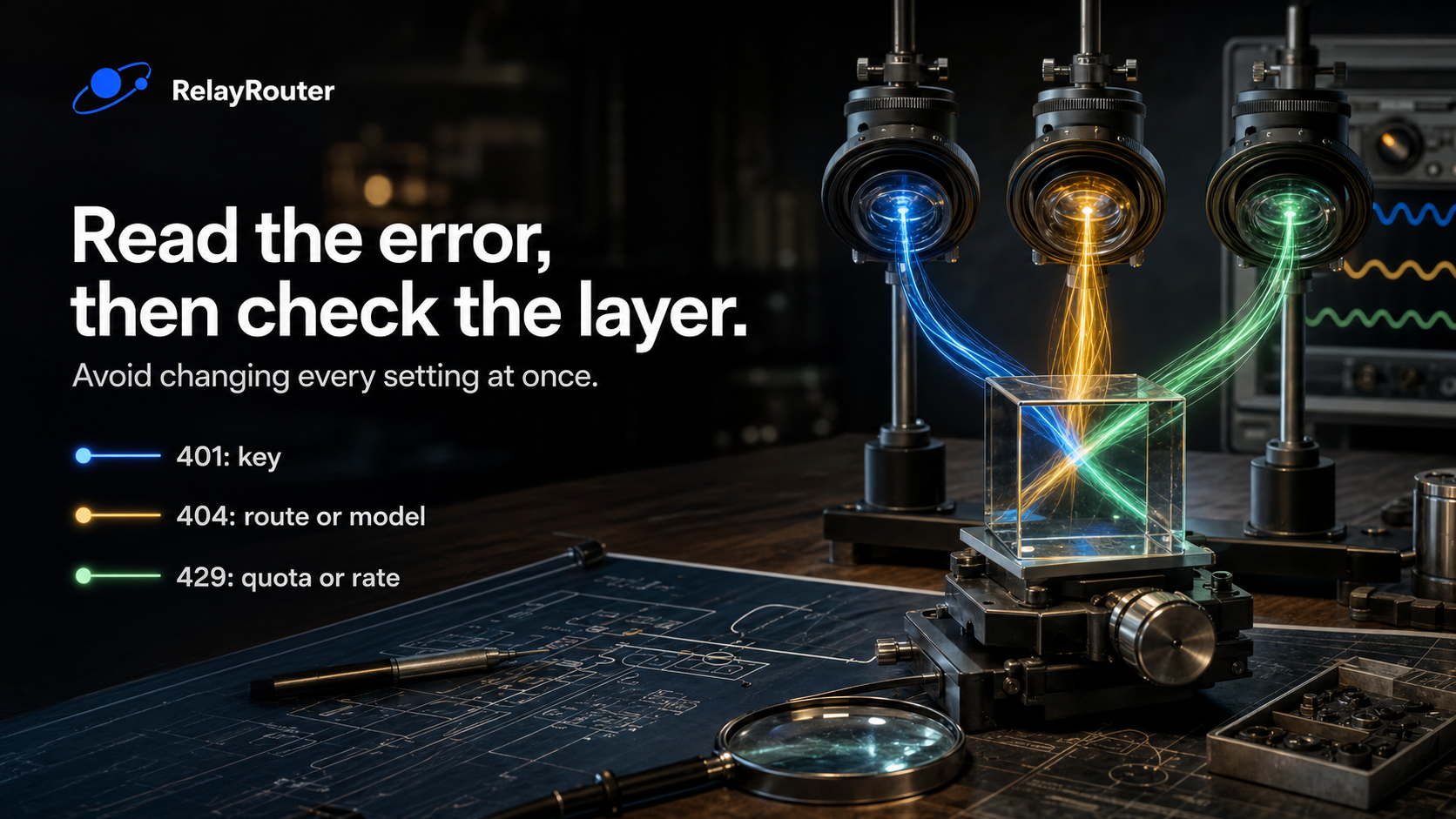
| What you see | First thing to check |
|---|---|
| codex is not recognized | CLI installation and PATH |
| Missing RELAYROUTER_API_KEY | Current launching shell; do not print the key |
| 401 | Missing, invalid or revoked key |
| 403 | Token group and account permissions |
| 404 or model not found | API address, Responses route, exact model ID and group |
| 429 | Reported rate/quota limit and account usage |
| Text arrives but tool work fails | Responses streaming and tool compatibility |
Error labels are clues, not proof of a single cause. Read the actual message. Do not keep changing the key when the error is a missing route.
For CLI 0.166.0 or a later compatible version, first inspect codex doctor --help. Then try:
codex doctor --network-only
Use any available option shown by your installed version to select the intended configuration. Inspect the diagnostic output before concluding that a specific provider was tested.
Three layers of validation
First, the file must parse as TOML and contain the expected provider keys. Second, the live connection must authenticate against the intended route. Third, Codex must complete the local tool task and the generated code must pass tests.
This kit checks the first layer and ships an independently authored reference solution for the third layer. It has not made a live request using your RelayRouter key. Running the tutorial supplies that missing evidence for your account and route.
Once the demo works, save the effective version, model ID and test result. That small record is enough to make a later comparison more useful than another isolated screenshot.
Start here: https://relayrouter.app/register?aff=xc9N
Disclosure: this post promotes RelayRouter; the registration URL is a referral link.
Sources
Codex release notes · Provider configuration · Configuration fields · OpenAI model news
About the author
- Practical engineering notes on AI API integration, OpenAI-compatible migrations, multi-model workflows, AI agents, and production debugging.
Comments
Join the discussionNo comments yet. Be the first to comment.